- Solutions
-
Products
- Total AV
- Flex Learning
- One-on-One Learning
- Distance Learning
- Chromebook Replacement Parts
- Acer
- Acer 11 311 C722
- Acer 11 311 C733
- Acer 11 311 C733T
- Acer 11 C734T
- Acer 11 C771
- Acer 11 C771T
- Acer 12 C851T
- Acer 14 C933
- Acer 13 CB5-312T
- Acer 14 CP5-471
- Acer 11 CB311-8HT
- Acer 11 CB311-9H
- Acer 15 CB315-3H
- Acer 14 CB514-1H
- Acer 11 Spin 311 R721T
- Acer 11 R751T
- Acer 11 R751TN
- Acer 11 Spin 511 (R752T)
- Acer 11 Spin 511 (R752TN)
- Acer 11 R753T
- Acer 13 R841T
- Acer 12 R851TN
- Acer 12 R853TA
- Acer 11 C720
- Acer 11 C720P
- Acer 11 C721-61PJ
- Acer 11 C730E
- Acer 11 C731
- Acer 11 C731T
- Acer 11 C732
- Acer 11 C732T
- Acer 11 C733
- Acer 11 C733T
- Acer 11 C738T
- Acer 11 C740
- Acer 11 CB311
- Acer 11 CB3-111
- Acer 11 CB3-131
- Acer 11 CB5-132T
- Acer 11 CP311
- Acer 12 C871
- Acer 12 C871T
- Acer 13 C810
- Acer 13 CB5-311
- Acer 14 CB314-1HT
- Acer 14 CB3-431
- Acer 15 C910
- Acer 15 CB3-531
- Acer 15 CB3-532
- Acer 15 CB5-571
- Acer 11 C710
- Acer 11 C721-25AS
- Acer 712 C871
- Acer 11 R752T
- Asus
- Asus 10 C100PA
- Asus 10 C101PA
- Asus 11 C200MA
- Asus 11 C201PA
- Asus 11 C202SA
- Asus 11 C203XA
- Asus 11 C204E
- Asus 11 C204MA
- Asus 11 C213SA
- Asus 11 C214MA
- Asus 11 C223N
- Asus 11 CX1100
- Asus 11 CX22NA
- Asus 13 C300
- Asus 13 C300MA
- Asus 13 C301SA
- Asus 14 C403NA
- Asus 14 C423N
- Asus 14 C425TA
- Asus 14 C433TA
- Asus 14 C434TA
- Asus 15 C523N
- Asus 15 C536EA
- Dell
- HP
- HP 11 11A-NA0010NR
- HP 11 G2
- HP 11 G3
- HP 11 G4
- HP 11 G4 EE
- HP 11 G5
- HP 11 G5 EE
- HP 11 G6 EE
- HP 11 G7 EE
- HP 11 G8 EE
- HP 11 G9 EE
- HP 11 V-Series
- HP 11 x360 2-in-1 (4AL85UAR)
- HP 11 x360 G1 EE
- HP 11 x360 G2 EE
- HP 11 x360 G3 EE
- HP 11A-NB0013DX
- HP 13 G1
- HP 14 14-DB
- HP 14 AK-Series
- HP 14 G3
- HP 14 G4
- HP 14 G5
- HP 14 G6
- HP 14 G6 Touch
- HP 14 G7
- HP 14 Q-Series
- HP 14 SMB
- HP 14 X013DX
- HP 14 x360
- HP 14-C015DX
- HP 14-DA
- Lenovo
- Lenovo 10 10e Tablet
- Lenovo 10 Duet
- Lenovo 11 100e
- Lenovo 11 100e Gen 2
- Lenovo 11 100e Gen 3
- Lenovo 11 300e
- Lenovo 11 300e Gen 2
- Lenovo 11 300e Gen 3
- Lenovo 11 500e
- Lenovo 11 500e Gen 2 (81MC)
- Lenovo 11 500e Gen 3
- Lenovo 11 C330
- Lenovo 11 IdeaPad Flex 3
- Lenovo 11 N20P
- Lenovo 11 N21
- Lenovo 11 N22
- Lenovo 11 N23
- Lenovo 11 N23 Yoga
- Lenovo 11 X131E
- Lenovo 11e 1st Gen (20DB)
- Lenovo 11e 3rd Gen (20GF)
- Lenovo 11e 4th Gen (20J0)
- Lenovo 13 ThinkPad C13 Yoga
- Lenovo 14 N42
- Lenovo 14 S330
- Lenovo 14 S340
- Lenovo 14e (81MH)
- Lenovo ThinkPad 13
- Lenovo Yoga 11e 1st Gen (20DU)
- Lenovo Yoga 11e 3rd Gen (20GE)
- Lenovo Yoga 11e 4th Gen (20HY)
- Chromebook Protective Cases
- Chromebook AC Power Adapters
- Acer
- Total AV
- Services
- Support
- About Nsav
-
Sign In






Products


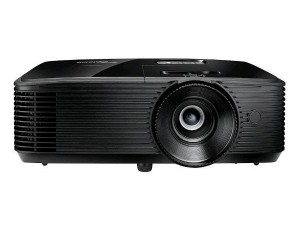
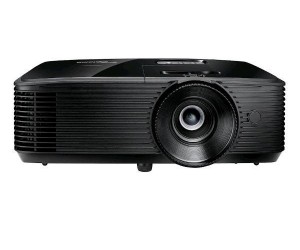
Optoma X400LVe 4,000 Lumens Lamp Projector
Specifications:Lamp Hours: 6,000 / 15,000 Lumens: 4,000 Contrast Ratio: 25,000 : 1 Maximum Resolution: 1024 x 768 Inputs: HDMI x 1 / VGA x 1 / USB x 1 / RS232 / Composite / 3.5 mm Weight: 6.7 lbs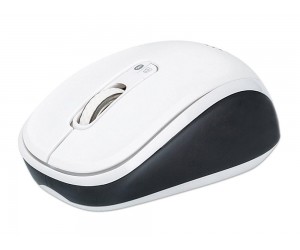
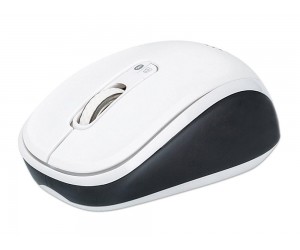
Manhattan - 179645 - Bluetooth 4.0, 2.4 GHz Wireless Mouse, 800/1200/1600 dpi, Three Buttons With Scroll Wheel, Black & White
Key Features:- Easily switches between Bluetooth and 2.4 GHz wireless modes to drive different PCs/tablets/smartphones (simultaneous use not supported) - Bluetooth technology offers wireless freedom with effective range up to 10 m (33 ft.) - 2.4 GHz RF technology offers wireless freedom with effective range up to 10 m (33 ft.) - Auto-power management helps maintain proper battery levels - On-board storage compartment protects USB receiver from loss and damage - Ergonomic shape and no-slip texture provide secure grip - Low-friction base smoothly glides over work surfaces - Windows, Mac OS X, iOS and Android compatible - Convenient push-button to switch between Bluetooth and 2.4-GHz wireless modes - Manual On/Off switch to conserve battery power when not in use - Three-year warranty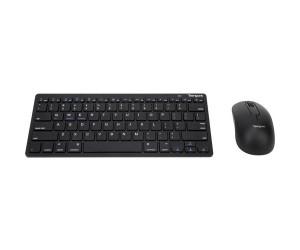
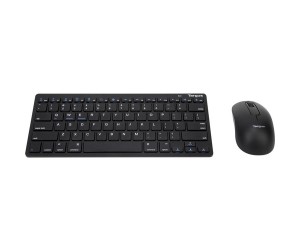
Targus - BUS0399 - Bluetooth Mouse and Keyboard Combo, 3 Button Optical Mouse
Key Features:- Bluetooth wireless connection for both peripherals - Scissor-switch keyboard provides a better typing response - Battery life indicator on keyboard - Mouse with 1,600 DPI optical sensor for a precise response - Mouse has 3 buttons for easy navigation - 1 AA and 2 AAA batteries included
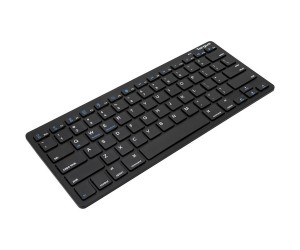
Targus - AKB55TT - KB55 Multi-Platform Bluetooth / 2.4 GZ Wireless Keyboard
Key Features:- Multi-platform compatibility works with Windows, Mac, iOS, and Android - Bluetooth; 3.0 wireless connection with 10-meter (33') range - Scissor-switch keys for a better typing response - Battery life indicator lets you know when it's time to switch the batteries - On/off power button - 2 AAA batteries included - Super slim and compact design is easy to bring on the road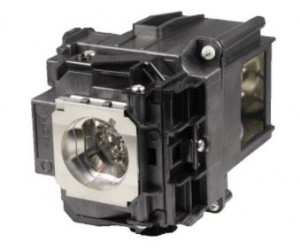
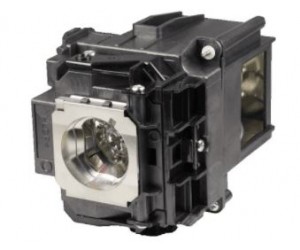
Epson ELPLP76 Projector Lamp Replacement
Epson ELPLP76 Projector Lamp Replacement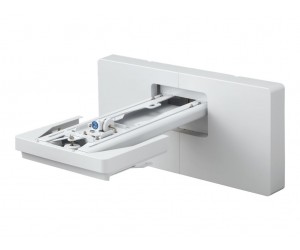
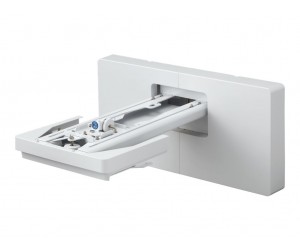
Epson - V12HA06A05 - Wall Mount for Epson Ultra Short Throw Projector
Key Features:- Easily adjustable — two-position mount arm for projecting 16:9 content from 65 to 100 inches, or 16:6 content up to 120 inches (BrightLink 1485Fi) - Everything you need — includes all necessary tools and screws for assembly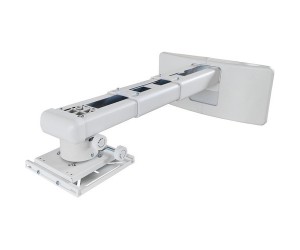
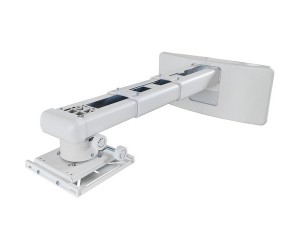
Optoma - OWM3000 - Ultra Short Throw Projector Wall Mount
Key Features:- Designed for Optoma ultra short throw projectors. - Compact telescopic arm - Adjustable - Easy to setup - compatible with stud walls - Cable management - Adjustments: - Roll: ±5°fine adjustment - Pitch: ±5° fine adjustment - Yaw: ±5° fine adjustment - Vertical: ± 40mm - Horizontal: ± 30mm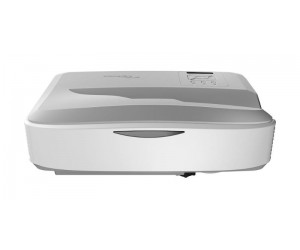
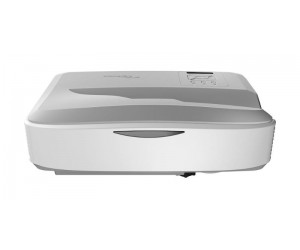
Optoma ZU500USTe High brightness WUXGA Ultra Short Throw Laser Projector
Specifications:Lamp Hours: 30,000 Lumens: 5,000 Contrast Ratio: 100,000 : 1 Maximum Resolution: 1920 x 1200 Inputs: HDMI x 2 / VGA x 1 / USB x 1 / Composite x 1 / 3.5mm Audio Weight: 16 lbs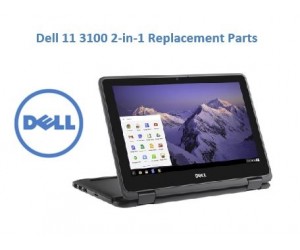
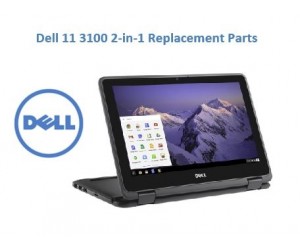
Dell 11 3100 2-in-1 Replacement Parts
Chromebooks aren’t like other laptops. They run Chrome OS, an operating system made by Google. They are powerful, so they can handle what’s important to you and designed in a way that makes them easy to use. Watch this video to learn even more about the new way to laptop.Chrome OS is the speedy, simple and secure operating system that powers every Chromebook. Switching from Mac or Windows is as easy as logging in. In just three simple steps, you’ll find your files and photos ready to go on your new Chromebook.Learn from anywhere • Students can access their apps, settings, and more from any device • Prepare students for the future with collaborative projects that deepen digital skills • Discover and share new apps with educators using the Chromebook App HubDeploy and manage simply • Easy to distribute 1 or 100 devices • Simple to manage thousands of devices and set 200+ policies and commands • Add users, devices, printers, and internet from central Google Admin ConsoleAccessible for all learners • Centrally manage hundreds of thousands of devices from Admin Console • Versatile form factors to suit different budgets and needs • Shareable devices can be used across multiple classrooms and studentsGet the latest security updates • Background updates install the latest security and features every 6 weeks • Two versions of Chrome OS on every device • Sandboxing of identities, user profiles, and OS itself • Layers of data encryption and verified security checks on boot up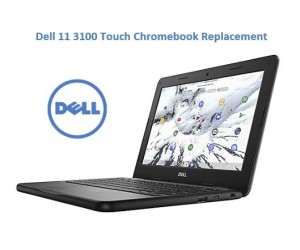
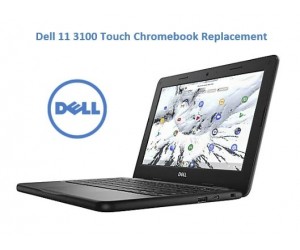
Dell 11 3100 Touch Chromebook Replacement Parts
Chromebooks aren’t like other laptops. They run Chrome OS, an operating system made by Google. They are powerful, so they can handle what’s important to you and designed in a way that makes them easy to use. Watch this video to learn even more about the new way to laptop.Chrome OS is the speedy, simple and secure operating system that powers every Chromebook. Switching from Mac or Windows is as easy as logging in. In just three simple steps, you’ll find your files and photos ready to go on your new Chromebook.Learn from anywhere • Students can access their apps, settings, and more from any device • Prepare students for the future with collaborative projects that deepen digital skills • Discover and share new apps with educators using the Chromebook App HubDeploy and manage simply • Easy to distribute 1 or 100 devices • Simple to manage thousands of devices and set 200+ policies and commands • Add users, devices, printers, and internet from central Google Admin ConsoleAccessible for all learners • Centrally manage hundreds of thousands of devices from Admin Console • Versatile form factors to suit different budgets and needs • Shareable devices can be used across multiple classrooms and studentsGet the latest security updates • Background updates install the latest security and features every 6 weeks • Two versions of Chrome OS on every device • Sandboxing of identities, user profiles, and OS itself • Layers of data encryption and verified security checks on boot up